Data Extraction
How to Extract Mobile Numbers and Messaging Leads from Google Maps
Written by The Axio Leads team 7 min read
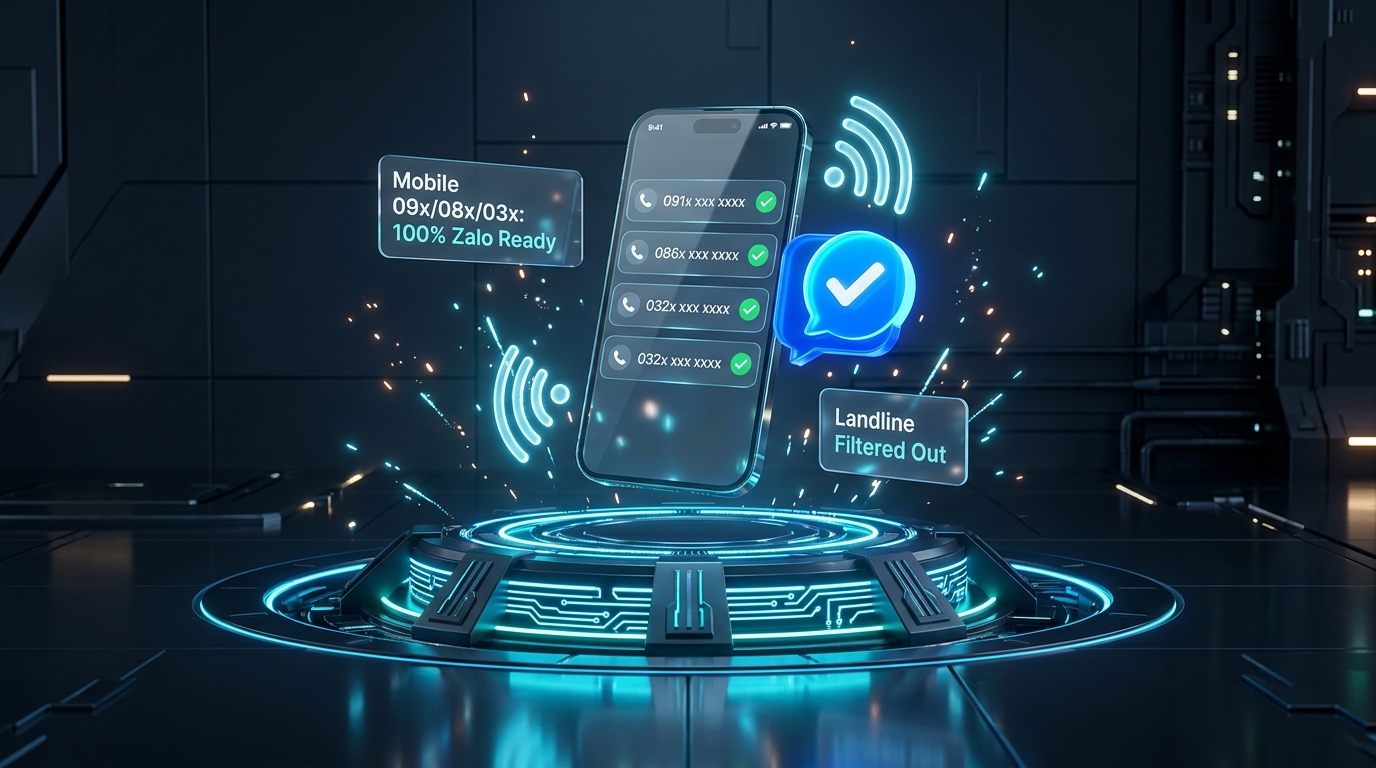
When scraping phone numbers from Google Maps, more than 50% to 60% of collected records in many markets are office landlines. Landlines cannot receive text messages, cannot be added on messaging apps like Zalo or WhatsApp, and often ring unanswered after business hours. This guide shows how automated mobile phone classification works and how to set up 1-click messaging workflows to boost sales outreach conversions.
Key takeaways
- Classify mobile numbers versus landlines at extraction time to avoid wasting credits, sales rep hours and cold call attempts.
- Mobile numbers listed on Google Maps belong primarily to business owners and on-site managers, boasting a high registration rate on messaging platforms.
- Using 1-click chat links lets your sales representatives initiate contact immediately without manually saving contacts to their phones.
- Personalizing the first message with the business name and local map context yields response rates over 40% compared to generic blast templates.
On this page
Why raw Google Maps phone data is flooded with dead leads
When setting up a Google Business Profile, companies frequently submit their central reception number or an office landline. While suitable for incoming inquiries, these numbers are ineffective for outbound sales campaigns, SMS marketing, or instant messaging outreach.
Traditional scrapers dump unformatted phone strings without distinction, forcing your sales team to spend hours manually cleaning spreadsheets and filtering prefixes. This creates severe pipeline friction and wastes up to half of your lead acquisition budget.
Automated prefix recognition and mobile phone classification
National telecommunications authorities assign distinct prefix ranges for mobile networks versus regional fixed-line telephone systems. In Vietnam, for instance, mobile lines use 10-digit formats starting with 03, 05, 07, 08, or 09, while regional landlines start with 02.
Axio Leads embeds automatic phone parsing compliant with the international E.164 standard. As soon as a listing is scraped, our engine inspects the digits and tags it as either Mobile or Landline, allowing you to filter for messaging-ready leads in a single click.
| Phone Type | Prefix Range | Messaging Capability (Zalo / WhatsApp) | Best Outreach Channel |
|---|---|---|---|
| Mobile | 09x, 08x, 07x, 03x, 05x (+849, +848...) | High (92% - 96% active accounts) | 1-Click Zalo / WhatsApp chat, direct mobile calling, SMS |
| Landline | 024 (Hanoi), 028 (HCMC), 02x (Provinces) | None (cannot register on messaging apps) | Front desk reception calls during office hours |
Scraping mobile leads and initiating 1-click chat on Axio Leads
To streamline sales workflows, Axio Leads provides a direct messaging launcher from the interactive leads table.
- Step 1: Select your target geographic territory on the slippy map and enter your target niche keyword (e.g., "Dental clinics", "Garment factories", "Boutique hotels").
- Step 2: On the results page, open the filter bar and toggle "Only mobile numbers" to immediately hide landline listings.
- Step 3: On every qualified mobile row, a blue Zalo action button is generated. Clicking it immediately opens the app on your desktop or mobile phone.
- Step 4: The conversation opens pre-targeted with the owner's verified phone number, ready for a personalized intro or proposal.
Proven outreach template for business owners on messaging apps
Here is a tested three-part message structure designed for B2B sales development representatives reaching out to local business leads:
1. The Context: "Hi [Business Name], I came across your Google Maps profile in [City/District] while researching local providers in your category..."
2. The Opportunity: "I noticed your profile is driving great review traffic, but your website appears difficult to navigate on mobile devices / lacks a direct chat trigger..."
3. The Low-Friction Offer: "We put together a complimentary 2-minute audit on how top competitors in your area are capturing leads online. May I share the link with you?"
FAQ
Are Google Maps phone numbers registered to business owners directly?
For small and medium businesses such as restaurants, dental clinics, specialty contractors, and fitness studios, the public phone number is almost always carried by the owner, head doctor, or general manager.
Can my account get restricted if I message too many prospects daily?
Yes. Messaging platforms enforce daily invite limits (typically 20 to 30 new connection requests per day for personal accounts). Distribute lead lists evenly across your sales team and prioritize personalized outreach over bulk broadcasting.
Does the export file include the classified phone type?
Yes. Every CSV, XLSX, and Google Sheets export includes a dedicated "Phone Type" column (Mobile vs Landline) so your CRM or dialer software can route contacts accurately.
Sources and further reading
- ITU-T Recommendation E.164 - International Public Telecommunication Numbering Plan
- Zalo direct messaging URL protocol documentation
The Axio Leads team
We build and run an area-scanning engine for Google Maps data, so these guides come from measuring real scans rather than from copying other articles. We update them when the product or the rules change.
Last reviewed October 18, 2026 · General information only, not legal advice.