How it works
Why Google Maps shows only about 120 results
Written by The Axio Leads team 6 min read
Search for "dentist" in a big city and scroll the results: the list stops long before the businesses run out. Tools in this space commonly report a ceiling of roughly 120 results per search, and what you see can vary by place and over time. Here is why that happens, which workarounds actually help and how a systematic scan covers the rest.
Key takeaways
- Google Maps is built to rank the best matches near you, not to list every business.
- The practical fix is to search smaller areas and combine the results.
- A quadtree scan automates this: busy cells are split into four, quiet cells cost one request.
- No method is a census. Preview first, and treat the result as a very large sample.
On this page
Maps is a search engine, not a directory
Google Maps ranks businesses for a query around a place. It is built to show you the few best matches near you, not to list every business in a category.
That is why exporting "all dentists in a city" from one search can never be complete: the search was not designed to return all of them. Even the official Places API returns results in small, paginated batches rather than a full category dump.
Workarounds that help
You can get more of the real list by changing what you ask for.
- Search smaller areas, such as one district or neighbourhood at a time.
- Repeat the search with related keywords and categories ("dentist", "dental clinic", "orthodontist").
- Combine the results and remove the duplicates by place identifier.
Doing it systematically: a quadtree scan
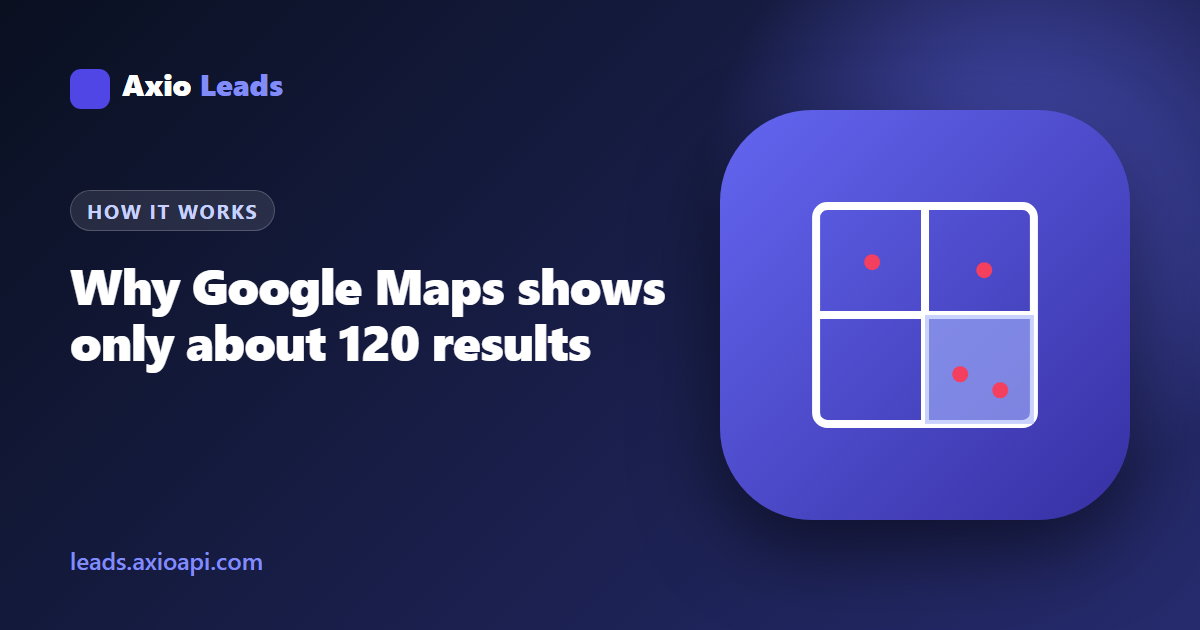
Area scanning automates the workaround. The area you choose is split into cells and each cell is searched on its own. A cell that returns a full page of results is split again into four smaller cells, so busy streets get more detail and quiet areas cost one request.
This is the idea behind a quadtree, a structure that divides space recursively wherever there is more to describe. It keeps the number of requests proportional to the number of businesses rather than to the size of the area.
Because neighbouring cells overlap, the same business can appear more than once, so every result is stored only once per scan.
Why not just draw a very small box?
Searching one tiny box finds almost everything in it, but covering a city that way means thousands of searches, most of them in empty areas. Starting large and splitting only where needed gets the same coverage with far fewer requests.
What to watch for
No method guarantees every business: a listing can be missing, closed or filed under a category you did not search. Treat the result as a very large sample of the area, not a census.
Always preview before you pay. A preview shows what the middle of your area looks like and helps you adjust the keyword and filters.
FAQ
Is the limit exactly 120?
Not necessarily. Vendors often mention about 120 results per search, but what you see depends on the query, the place and Google itself, and it can change.
Why do I see duplicates when I combine searches?
Overlapping searches return the same business. A scan removes duplicates by the place identifier so each business appears once.
Does a bigger area always give more leads?
Only if the area contains more matching businesses. A large rural area can return fewer leads than one dense district.
Can I get every business in a category?
No tool can promise that. Listings change, some are missing and some sit under other categories. A scan gets you very close to the visible set.
Sources and further reading
The Axio Leads team
We build and run an area-scanning engine for Google Maps data, so these guides come from measuring real scans rather than from copying other articles. We update them when the product or the rules change.
Last reviewed October 17, 2026 · General information only, not legal advice.